Advanced Searches for Resources
Search Resources by Name or Content
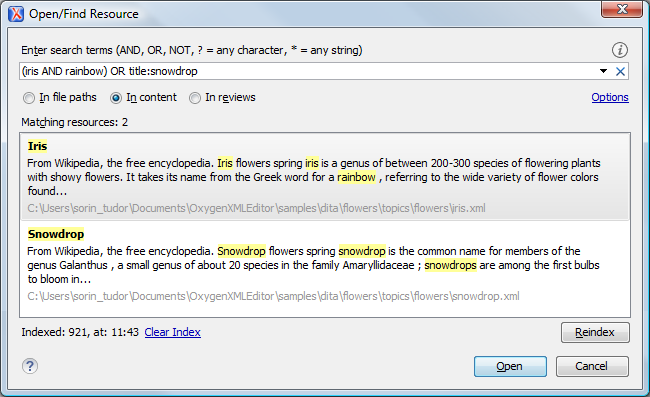
You can find resources by typing words from their content or by resource names (or even parts of their names). You also have the capability to search through comments, insertions, deletions, and highlighted content in all the resources of a project or opened DITA map. The results are available instantly. The Open/Find Resource view and the redesigned Open/Find Resource dialog box support both simple text and complex searches (boolean operator searches, XML-aware searches, group searches, etc.) The search index is automatically rebuilt when you make changes to files in your project (such as add, delete, refresh, or save resources).